
Download Project Zomboid – Survival, Strategy, Adventure, Action
Overview
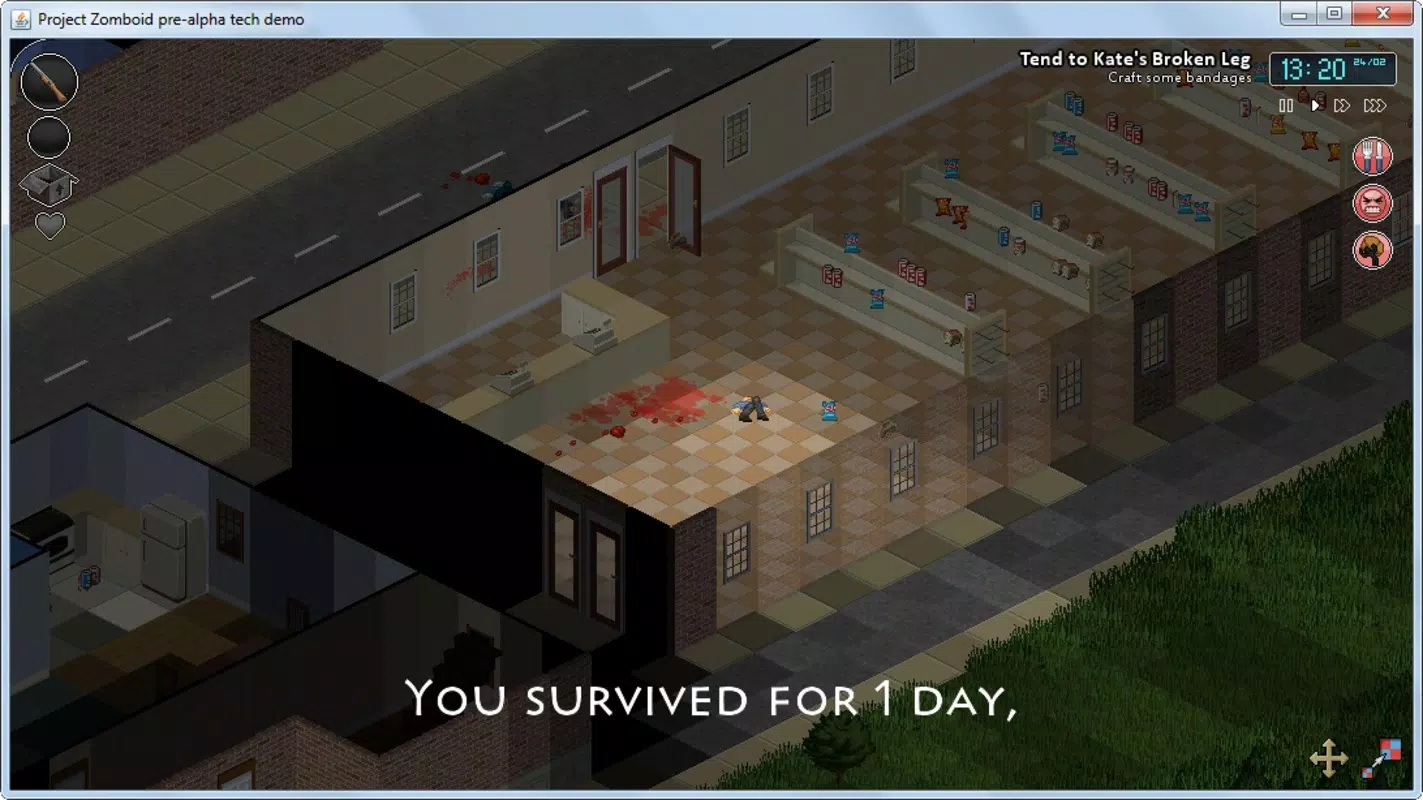
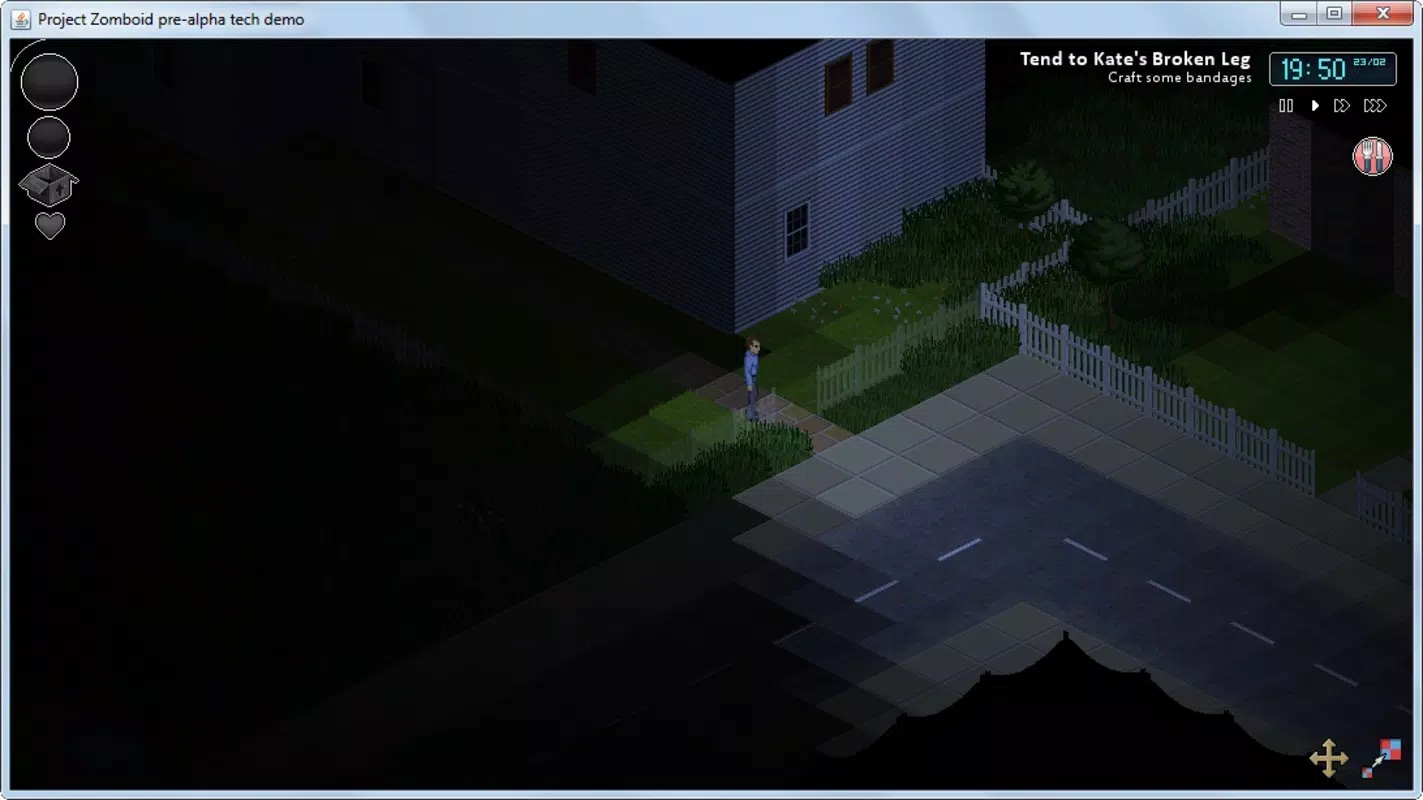
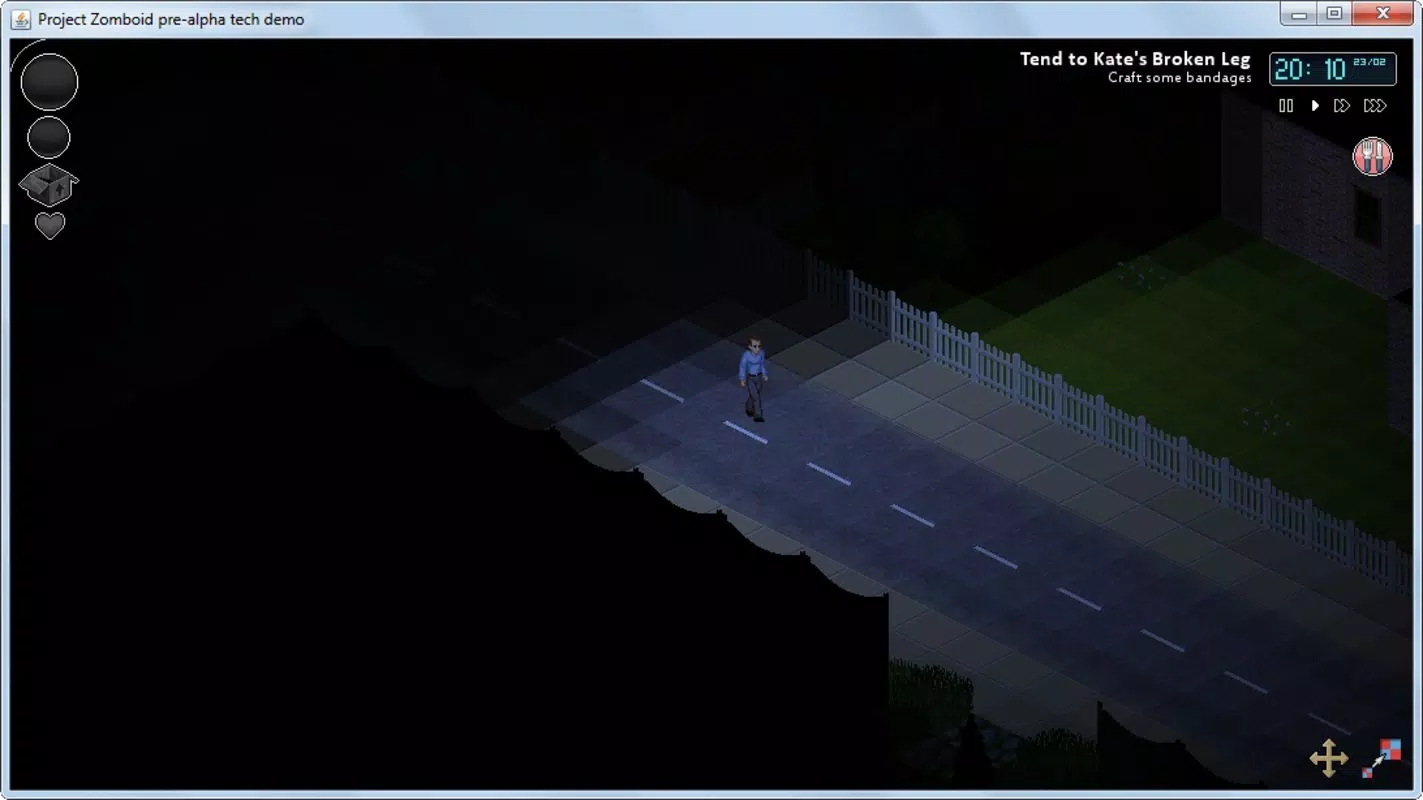
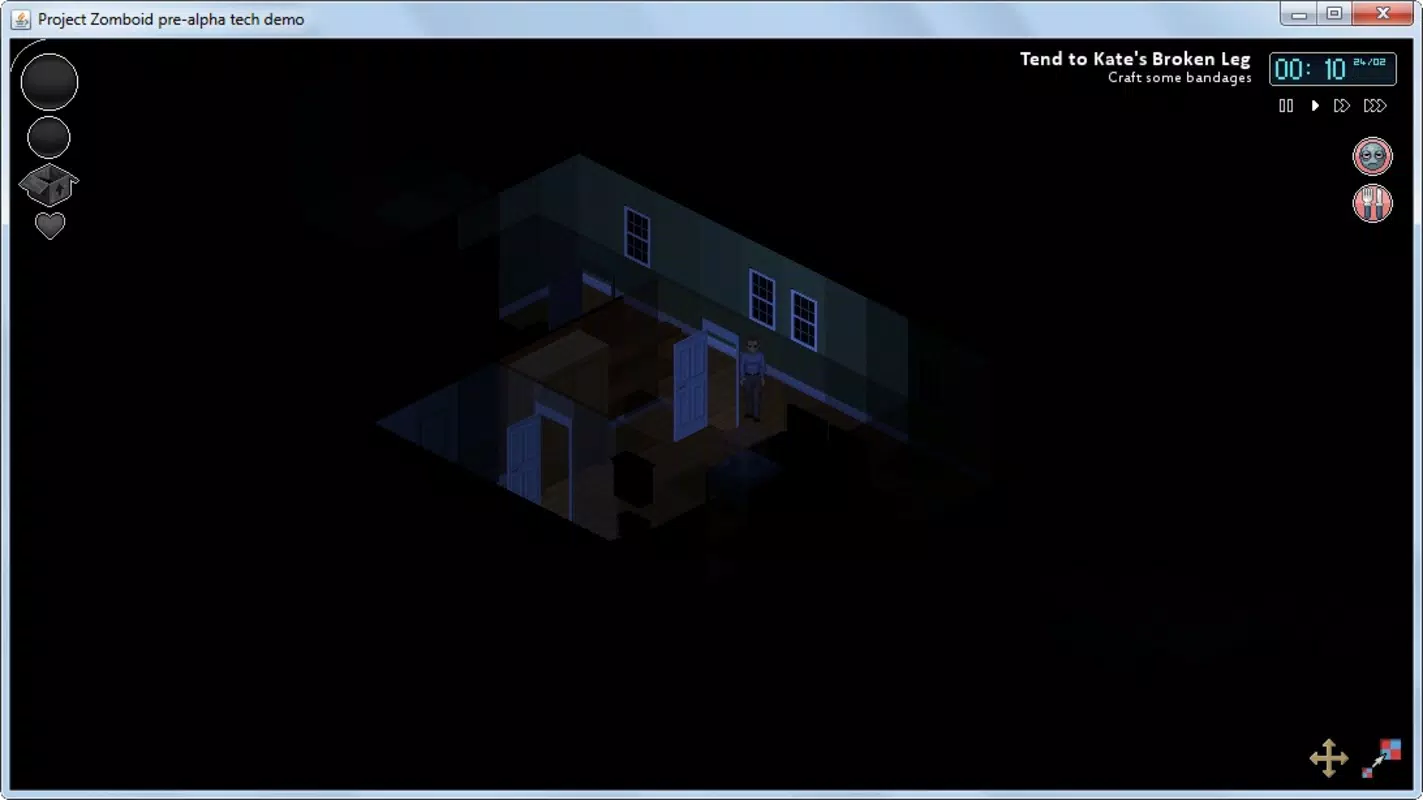
Project Zomboid is a deeply immersive survival game that places players in the role of a lone survivor navigating a world overrun by zombies. Designed for PC, the game emphasizes realistic survival mechanics, strategic decision-making, and environmental awareness. Its core objective—survival—requires players to manage basic needs such as hunger, thirst, sleep, and mental health, all while avoiding or fighting off relentless zombie threats. The game's top-down, retro-style visuals enhance the atmosphere of tension and isolation, with only the player’s immediate surroundings revealed, creating a sense of suspense as unseen dangers lurk in the darkness.
Target users include fans of hardcore survival games, strategy enthusiasts, and players who enjoy emergent gameplay and open-world exploration. The game’s complexity appeals to those who appreciate systems-driven challenges, such as crafting, base-building, and skill progression. While originally developed for PC, the game has cultivated a passionate community that continues to expand its content through mods and custom maps. The developer, The Indie Stone, has maintained consistent updates since its initial release in 2013, demonstrating long-term commitment to the title’s evolution. Real-world use cases include both solo play for immersive storytelling and multiplayer sessions for cooperative survival experiences.
Key Features & Functionality
- Realistic Survival Mechanics: Players must manage physical and mental health, including injuries, fatigue, and panic, requiring careful planning and resource allocation.
- Dynamic Skill System: Characters can develop skills such as crafting, combat, and medicine, allowing for personalized progression and strategic gameplay.
- Base Building and Fortification: Players can construct shelters, build walls, and set traps to defend against zombie hordes, promoting long-term survival planning.
- Environmental Hazards: The game features destructible environments, broken glass, rubble, and weather effects that impact movement and visibility.
- Multiplayer and Mod Support: The game supports cooperative play and allows community-driven content through user-created mods and maps.
These features translate into tangible gameplay benefits. For example, a player might use the skill system to specialize in first aid, enabling them to treat injuries without relying on scarce medical supplies. Base-building mechanics encourage long-term strategy, as players must balance resource gathering with defensive positioning.
The dynamic environment ensures no two playthroughs are identical, fostering replayability and deep engagement. In multiplayer mode, coordination and communication become essential, turning survival into a social challenge. These mechanics collectively contribute to a rich, evolving experience that rewards patience, foresight, and adaptability.
Interface, UX & Performance
The user interface of Project Zomboid is designed with functionality over flair, prioritizing accessibility of critical systems such as inventory, health status, and skill meters. The top-down perspective provides clear spatial awareness, allowing players to assess their surroundings efficiently. Navigation is primarily keyboard and mouse-based, with a clean layout that minimizes clutter. Menu systems are intuitive, though the depth of options may require initial learning. The retro visual style enhances readability, especially in low-light conditions where only nearby objects are illuminated.
Although the developer did not list formal performance metrics, the game is known to run on a wide range of hardware configurations, including older systems. Performance is generally stable, with minimal lag during base-building and combat scenarios. Responsiveness is consistent across different device categories, though users on lower-end machines may experience frame rate drops during large-scale zombie encounters. Stability is maintained through regular updates, with crash reports typically addressed in subsequent patches. The game’s performance is optimized for PC, and no official mobile port has been released.
Platform Compatibility & Technical Requirements
Project Zomboid is designed exclusively for PC (Windows), with no official mobile or console versions available. The current version is 1.0, and the application size is 1.2 GB. The developer did not specify minimum OS requirements, nor did they list supported processor, RAM, or graphics card specifications. Compatibility information was not fully disclosed. As such, users should ensure their system meets the baseline needs for running a modern PC game, particularly one with persistent world mechanics and real-time physics.
Pros and Cons
- Deep, realistic survival mechanics that encourage strategic thinking and long-term planning
- High replayability due to dynamic world events and procedural generation
- Active community with ongoing mod and map development
- Free to download and play, with no in-app purchases or paywalls
- Supports both solo and cooperative multiplayer modes
- No official mobile or console version available
- Steep learning curve may deter casual players
- Minimal visual polish compared to modern AAA titles
- Requires significant time investment to master core systems
- Performance may vary depending on hardware, especially during large zombie spawns
FAQ
Is Project Zomboid available on mobile devices?
As of now, Project Zomboid is only available on PC (Windows). There is no official mobile version for Android or iOS.
Can I play Project Zomboid for free?
Yes, the game is free to download and play. There are no in-app purchases or pay-to-win mechanics.
Does Project Zomboid support multiplayer?
Yes, the game supports cooperative multiplayer, allowing players to team up with friends or other survivors to increase their chances of survival.
Are there regular updates to the game?
Yes, The Indie Stone continues to release updates and patches, improving gameplay, fixing bugs, and adding new features.
Can I create my own content for Project Zomboid?
Yes, the game supports user-created mods and maps, allowing players to customize gameplay and expand the world.
Final Thoughts
Project Zomboid stands out as a standout title in the survival genre, offering a gritty, realistic experience that rewards patience, strategy, and resourcefulness. Its blend of survival mechanics, skill progression, and environmental interaction creates a deeply engaging world where every decision carries weight. While the game’s steep learning curve and lack of mobile availability may limit accessibility, it remains a top choice for fans of hardcore survival gameplay. Whether playing solo or with others, the game delivers endless hours of tense, unpredictable action. For those seeking a true test of survival instincts, Project Zomboid delivers on every front.
Download Project Zomboid now


